The Death of the Technical Bottleneck
For decades, the "Idea Stage" for a non-technical founder was a period of profound frustration. You had the domain expertise, the market insight, and the vision, but you were held hostage by the "Technical Co-founder Hunt." You spent months networking at coffee shops, offering 50% equity to anyone who knew React, only to end up with a prototype that didn't quite match your vision.
That era is officially over. We have entered the age of Vibe Engineering.
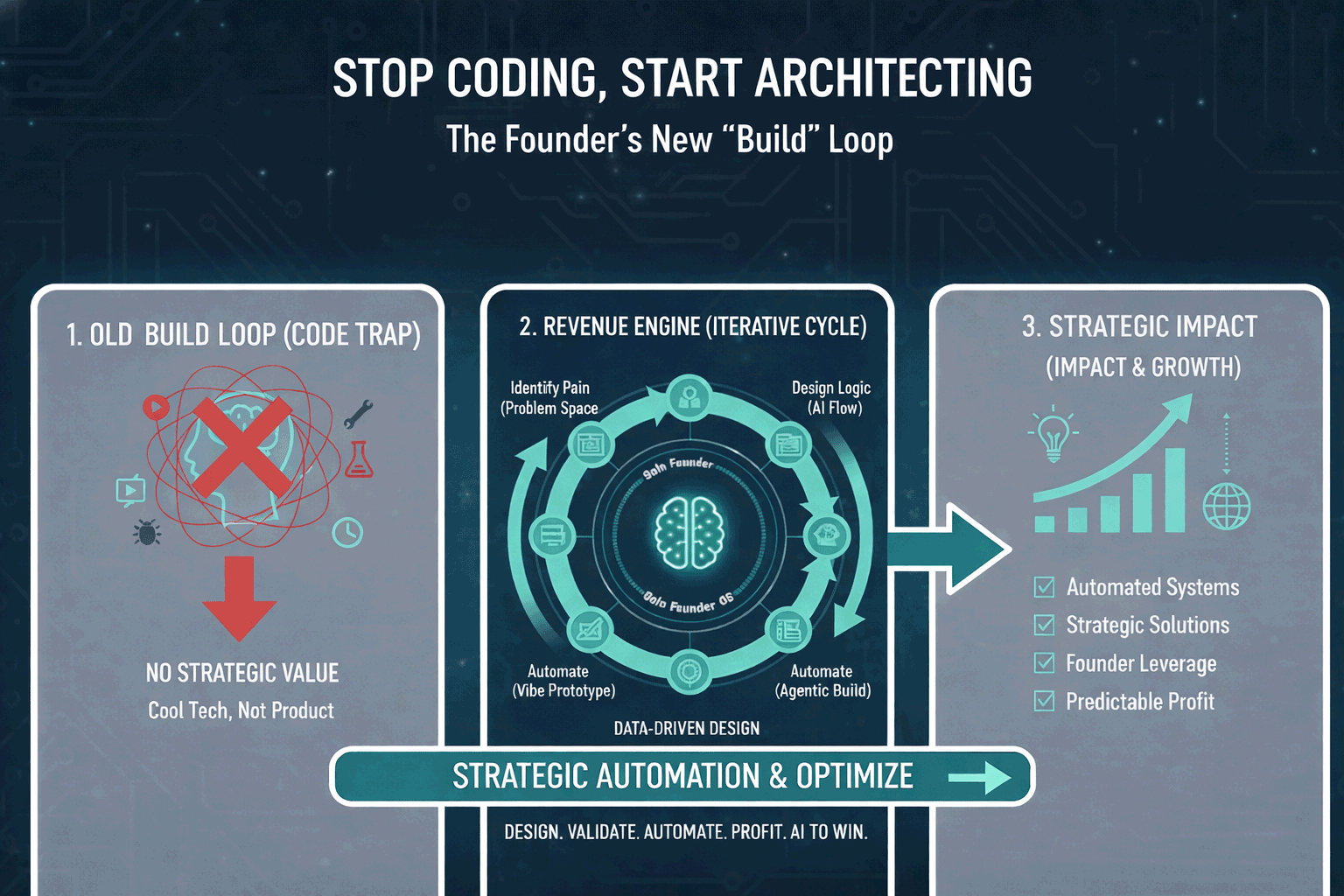
Vibe Engineering isn’t about "dumbing down" development; it’s about elevating the founder to their rightful place: the System Architect. In this new paradigm, you don’t write syntax; you direct intent. You don’t hunt for a coder; you orchestrate a crew of AI agents. But to do this successfully, you need more than just a ChatGPT subscription. You need a concrete operating system for building.
This is the "Build" loop of the Vibe Engineer’s Playbook.
The Mindset Shift: From Feature Wishlists to Systems Thinking
The biggest mistake a "non-tech" founder makes is treating AI like a magic vending machine. They put in a prompt ("Build me Uber for laundry") and expect a finished product. When the output is buggy or incomplete, they blame the AI.
A Vibe Engineer knows that the secret isn't in the prompting, it's in the architecting.
Moving from "What" to "How"
Traditional founders focus on features: "I want a login button," "I want a dashboard."
Vibe Engineers focus on Systems:
- Data Flow: Where does the user’s input go?
- State Management: How does the app remember who the user is?
- The AI Brain: Which model is best suited for this specific task?
Phase 1: The Visual Shell (Low-Fidelity to High-Vibe)
The first step in the Build loop is creating the "Visual Shell." In the old world, this was called wireframing. In Vibe Engineering, the wireframe is the code.
The Rise of Tier 1 Tools: Lovable and Bolt.new
Why start here?
Because humans are visual creatures. It is much easier to iterate on the "vibe" of an app when you can see it.
- Iteration Speed: You can change the entire color palette, layout, and navigation structure in seconds.
- Natural Language Layout: You can tell the AI: "Make this look like a premium SaaS dashboard with plenty of whitespace and rounded corners," and it happens.
Phase 2: The System Blueprint (The Architect's Role)
Once you have a Visual Shell that feels right, most founders make a fatal error: they keep adding features until the AI gets confused and the code breaks. This is where you must pause and "Architect."
Drawing the Lines with Mermaid.js
- The Frontend (The Face): What the user sees (your Lovable/Bolt shell).
- The Backend (The Memory): Where user data, files, and preferences are stored (usually Supabase or Airtable).
- The AI Engine (The Brain): Where the "magic" happens (OpenAI, Anthropic, or specialized agents).
The Logic of "The Blueprint":
If you want to build a "Travel Planner AI," your blueprint would look like this:
- User Input (Destination/Dates) -> API Call to Claude (Brain) -> Structured JSON Output -> Supabase Table (Memory) -> Display on Frontend (Face).
Phase 3: The Logic Injection (The "Eject" Maneuver)
The Hybrid Stack: GitHub + Cursor
This is where the magic truly happens. You "eject" your code from the browser-based builder into a GitHub Repository. Then, you open that repository in Cursor, the AI-powered code editor that has become the gold standard for Vibe Engineers.
Why Cursor?
Cursor doesn't just "write code." It reads your entire project. It understands the context of your files.
- The "Composer" Feature: You can hit Cmd+I and say: "I’ve mapped out my Supabase database; now write the logic to connect this frontend form to the 'Trips' table."
- Logic Injection: This is where you replace the "mock data" from your Visual Shell with "real logic." You are injecting the plumbing into the house you’ve already framed.
- Push your Lovable/Bolt code to GitHub.
- Clone it to your local machine.
- Open Cursor and index the codebase.
- Use Cursor's "Chat" feature to ask questions like: "Where is the best place to add my OpenAI API call?"
Phase 4: The Database & Memory (Supabase is Your Best Friend)
An app without a database is just a fancy website. To turn your "vibe" into a "product," you need a place to store data. For the non-technical founder, Supabase is the undisputed champion.
Why Supabase?
The Vibe Engineer’s Database Flow:
By using Supabase, you don't need to learn how to manage servers or write complex backend code. You are using a "Managed Backend" that scales with you.
Phase 5: The "Ship" Trigger (Railway and Vercel)
The final step in the Build loop is getting your app off your computer and into the hands of users. This is often the most intimidating part for non-tech founders (DNS, SSL, Servers—yikes).
Vibe Engineering simplifies this through Automatic Deployment.
Vercel for Frontends
If you are building a modern web app, Vercel is your best friend. You connect your GitHub repo, and every time you "Save" a change in Cursor and push it to GitHub, Vercel automatically rebuilds and updates your website. It’s "Zero-Config" deployment.
Railway for Backends
If you have a more complex backend (like a Python script or a specialized agent), Railway.app is the answer. It’s a "Set it and forget it" platform that handles the heavy lifting of hosting.
The "Vibe" Summary: You are the General Contractor
Building an AI product in 2026 is no longer about the "How." The "How" is handled by the AI. It is about the "What" and the "Why."
As a Vibe Engineer, your value isn't in your ability to debug a semicolon. Your value is in:
- Vision: Knowing what the market needs.
- Architecture: Mapping how the data flows.
- Orchestration: Knowing which AI tools to use for which task.
- Curation: Looking at the AI's code and saying: "This doesn't fit the vibe. Try again with more focus on user privacy."
Next in the series: Post 2: MEASURE – How to use observability to make sure your AI isn't hallucinating your budget away.


No comments yet
Be the first to share your thoughts on this article!